Setting up your Wing for EQuAD Use
You need to be a tenant admin for this step.
At this point, your Tenant Admin (NGB) should already have your ing and MDS set up in EQuAD. If not, contact your NGB Admin prior to performing the following steps.
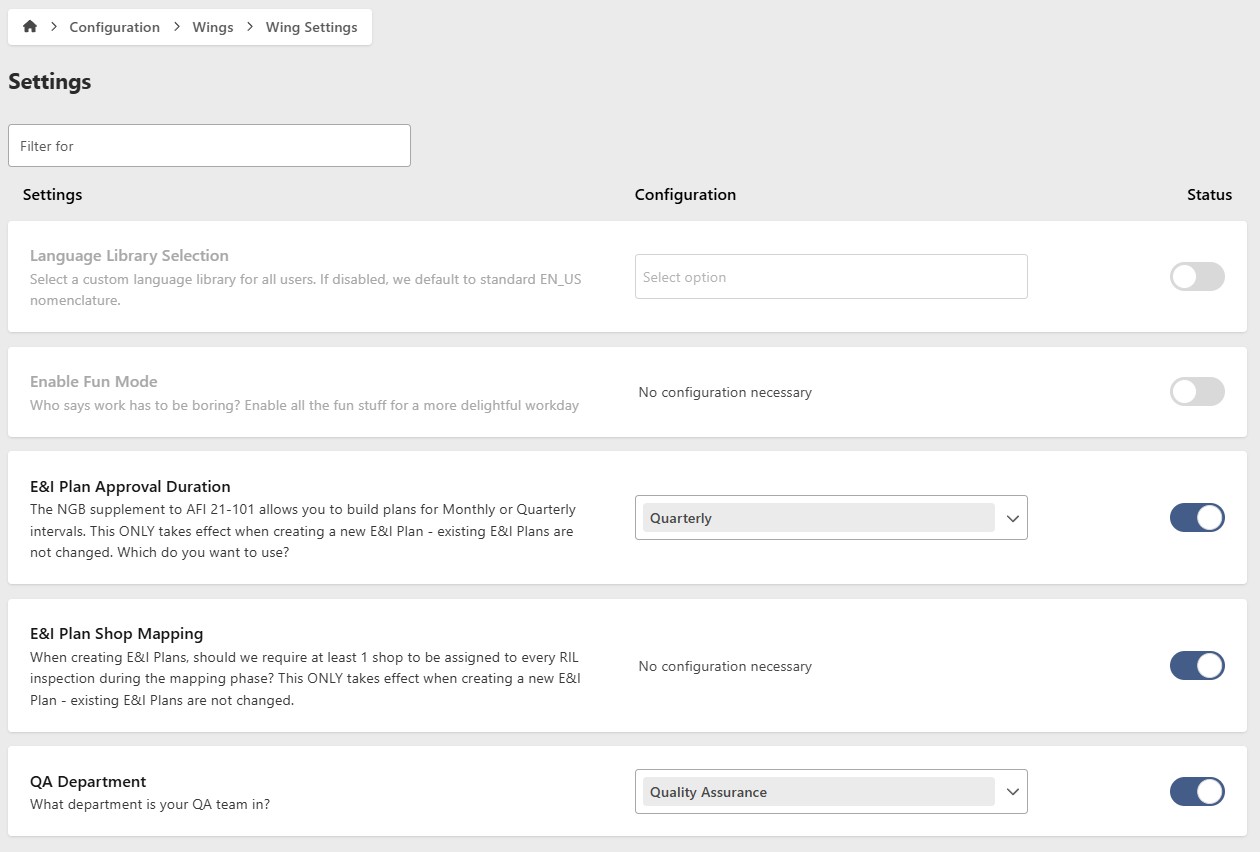
1. Review Wing Configuration settings
Ensure these settings are applicable to your Wing's operational characteristics. If not, update as necessary.
2. Add Shops
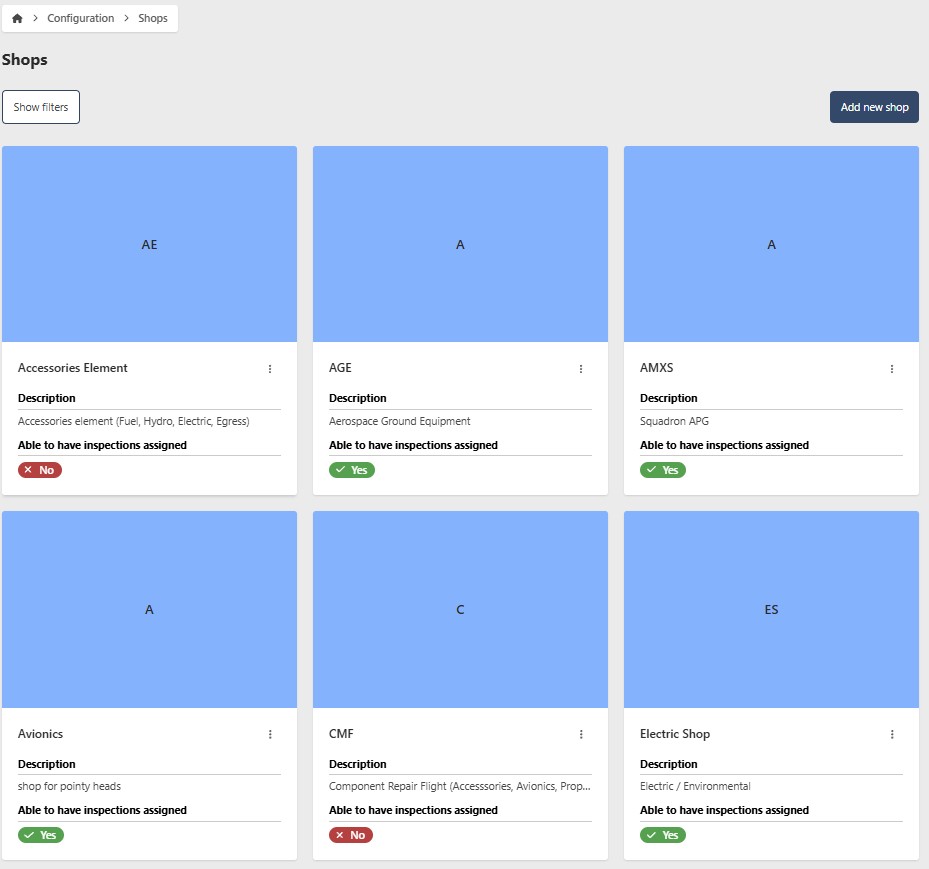
Establish each Shop within your organization, including all management workcenters involved in the E&I Plan review and approval workflow. Develop your workcenters using a hierarchical approach, beginning with your MXG and proceeding downwards to the Shop level. Essentially, you will be constructing your organizational framework within EQuAD.
3. Add People
Add individuals in the Shops you've set up. This should encompass all EQuAD users as well as non-users. Anyone that can be inspected must be added into EQuAD. For individuals who don't require EQuAD login credentials, be sure to assign the appropriate role.
4. Add Local RIL Inspections
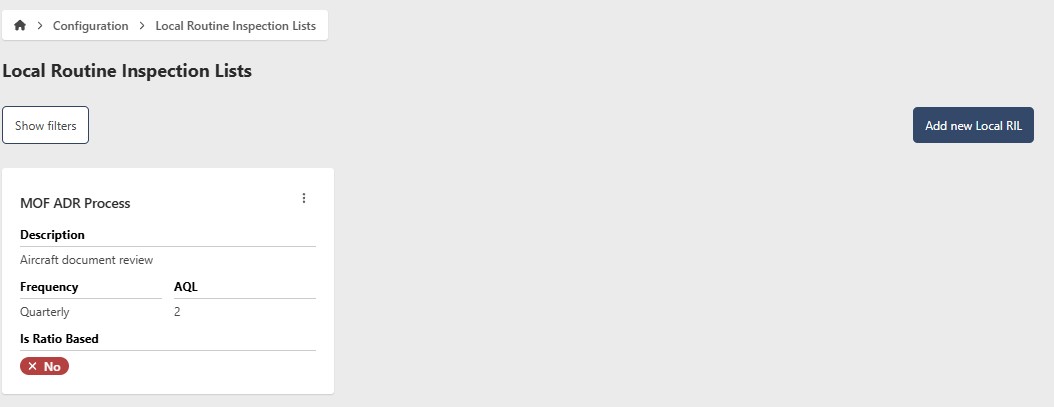
Before developing your new E&I Plan, ensure you've added your Wing's Local RIL items. Your Local RIL items, in conjunction with the NGB Master RIL items, will be automatically incorporated into your E&I Plan.
The configuration items listed below are for informational purposes only and are managed by NGB administrators. Review them as needed, but contact your NGB administrator for any questions or modification requests.