Remove an Existing Wing
To update a Wing, first locate the item on the Wing configuration screen. Select the View Wing in the contextual menu of the Wing you want to update. Use the filter option at the top of the page to search for and find the item more easily.
The instructions below assume you have an Access Role that allows you to perform these actions. If you aren't able to follow the instructions as written, please check with your Admin to make sure you have the correct access.

Select the Edit Wing button.
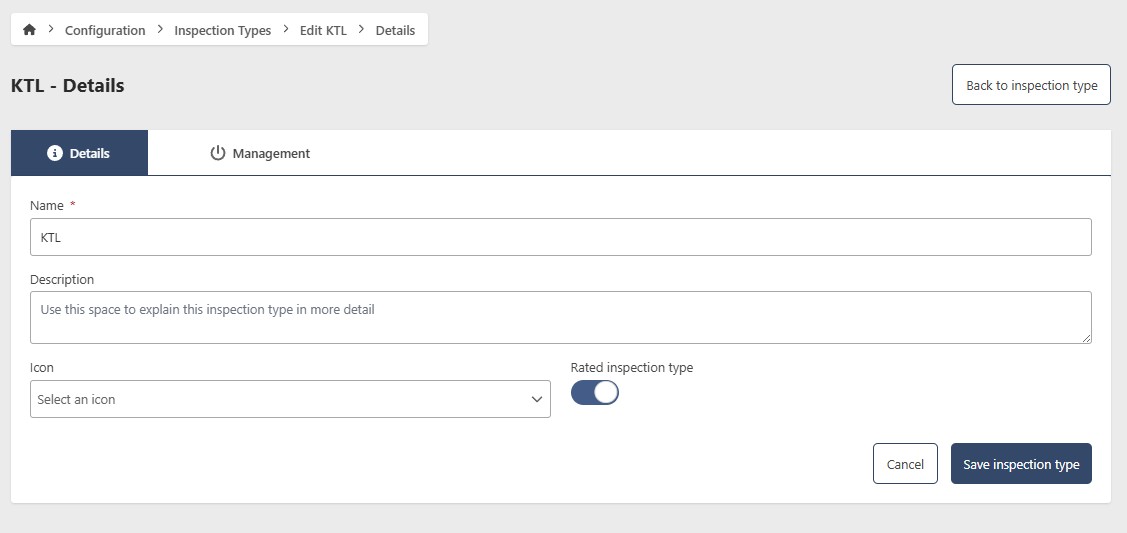
In edit mode, the Management tab becomes visible. Selecting it provides the following options:

The Management Tab
- Visibility Status
- Permanently remove
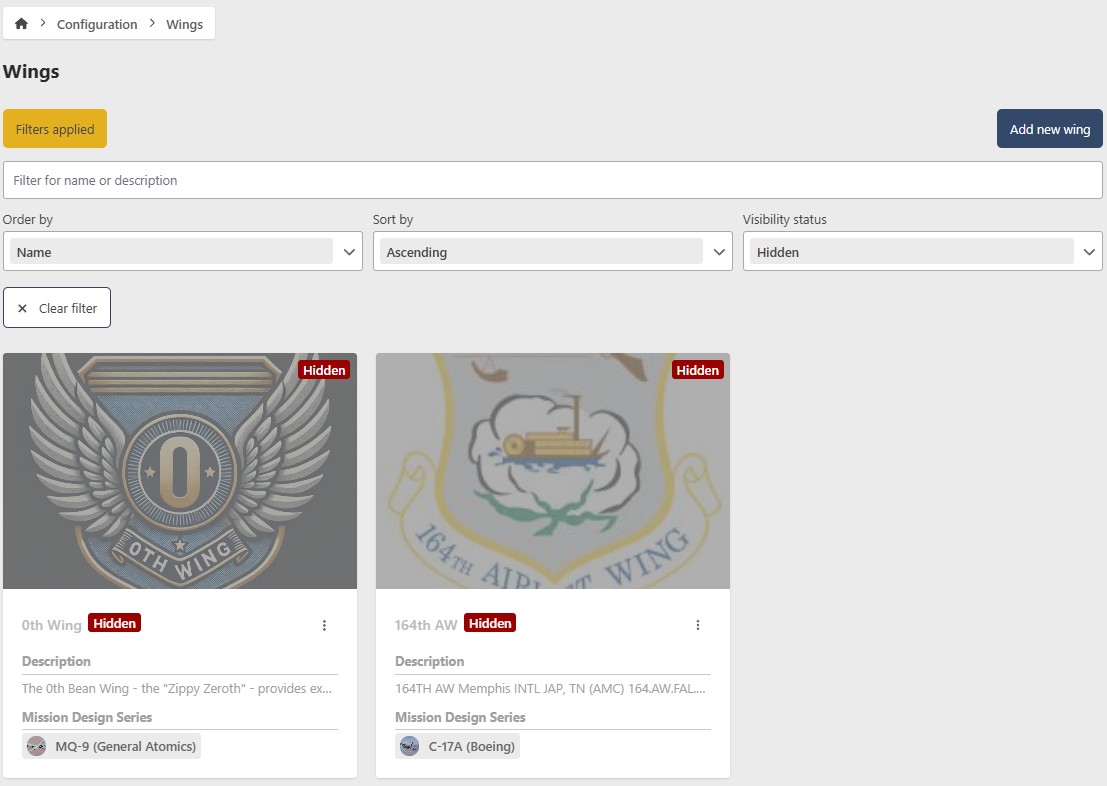
This feature allows you to temporarily hide a Wing from EQuAD screens without permanently deleting it. This is useful for a Wing that is temporarily unavailable. To hide a Wing, toggle the Show/Hide button to Hide. To restore its visibility, use the Show filter button, select Hidden in the Visibility status option, enter edit mode for that MDS, go to the Management tab, and toggle the Show/Hide button to Show
Be careful when removing a Wing, this is a permanent action and cannot be undone. If you are not sure, consider disabling the Wing instead!
To permanently delete a Wing, click the red Remove button. A confirmation warning will appear; click the Yes button to proceed with the permanent removal. This action cannot be undone.