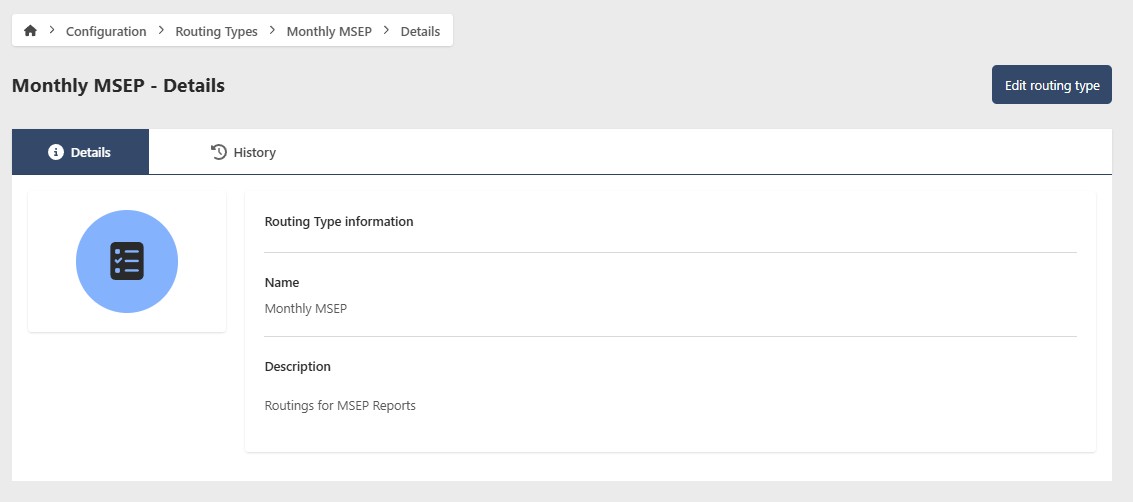
Routing Types
Routing Types define the kinds of connections that can exist between Shops for notification routing purposes. They're assigned when setting up routing between Shops.
Go to Configuration > Routing Types to manage your Routing Types. You'll need the appropriate access role to add, edit, or remove a Routing Type.
Add a Routing Type
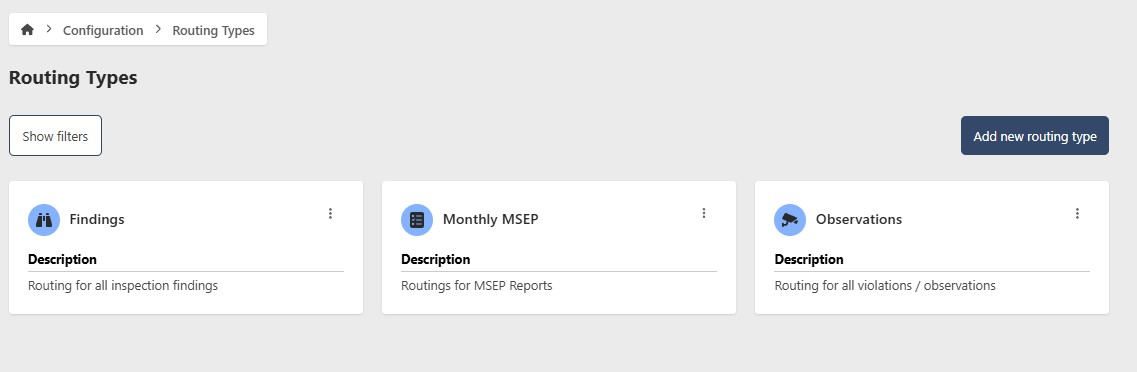
- Go to Configuration > Routing Types
- Click Add new Routing Type
- Enter the following information:
- Name (required)
- Description (optional)
- Icon (optional)
- Click Add new Routing Type

Edit a Routing Type

- Go to Configuration > Routing Types
- Click the contextual menu (⋯) next to the Routing Type and click View Routing Type
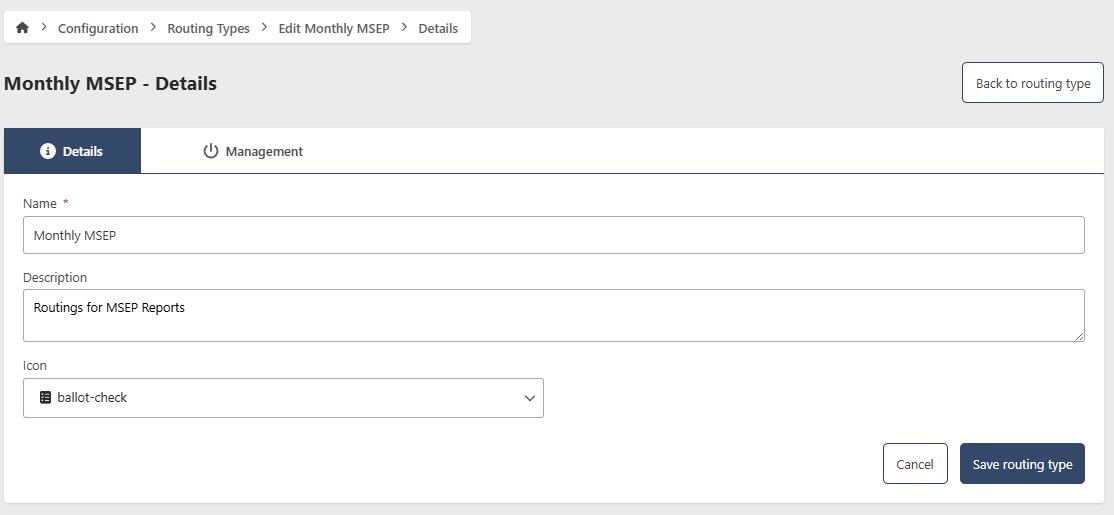
- Click Edit
- Update the following fields as needed:
- Name (required)
- Description (optional)
- Icon (optional)
- Click Save Routing Type
Remove a Routing Type
- Go to Configuration > Routing Types
- Click the contextual menu (⋯) next to the Routing Type and click View Routing Type
- Click Edit, then go to the Management tab

Hide a Routing Type
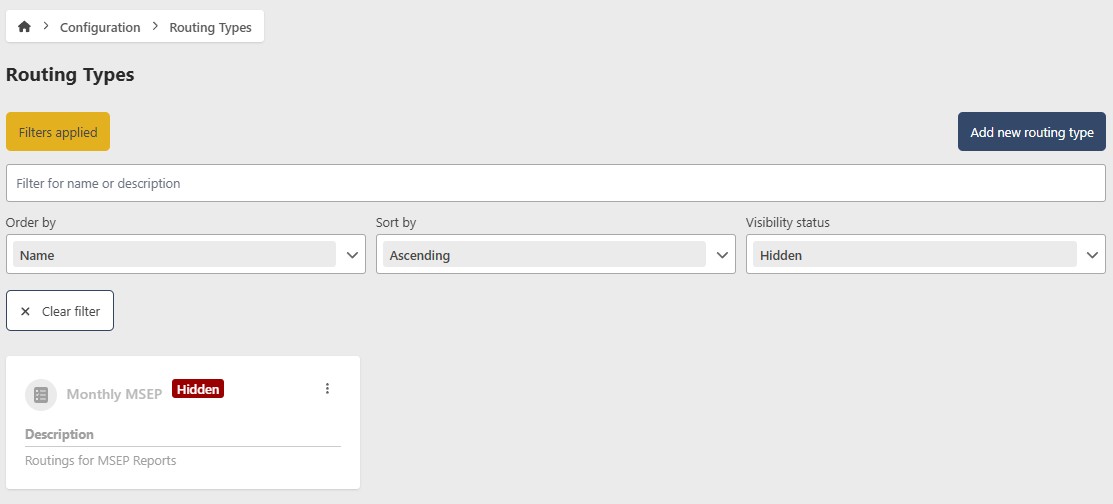
To temporarily hide a Routing Type without deleting it, toggle Show/Hide to Hide. To restore it, filter by Hidden status, open the Routing Type, and toggle Show/Hide back to Show.
Permanently remove a Routing Type
caution
This action cannot be undone. Consider hiding the Routing Type instead if you may need it in the future.
- Click Remove
- Click Yes to confirm