Sites
Sites represent physical locations managed in EQuAD. Each Site can have one or more Locations associated with it.
Go to Configuration > Sites to manage your Sites. You'll need the appropriate access role to add, edit, or remove a Site.
Add a Site
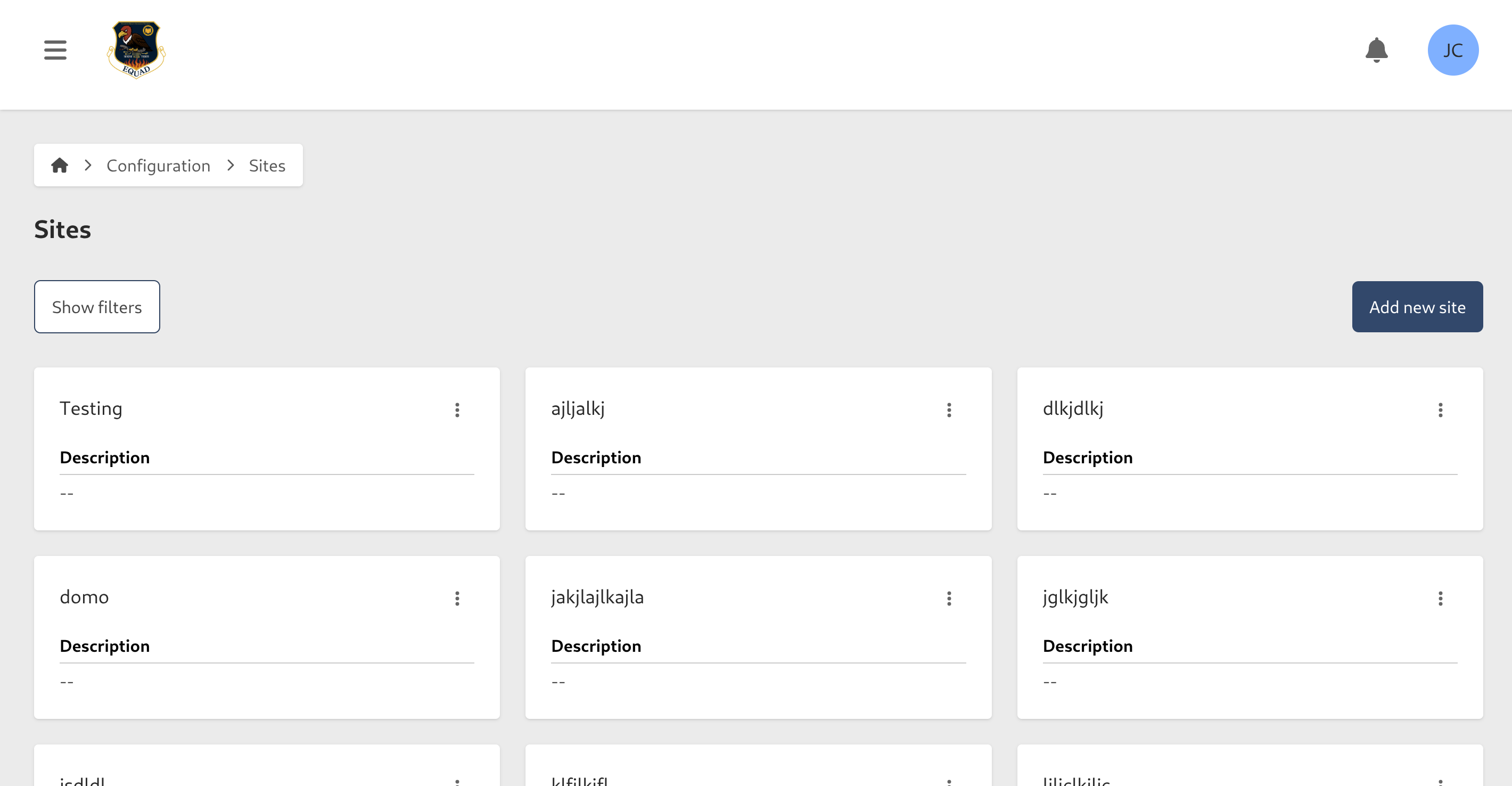
- Go to Configuration > Sites
- Click Add new Site
- Enter the following information:
- Name (required)
- Description (optional)
- Click Add new Site
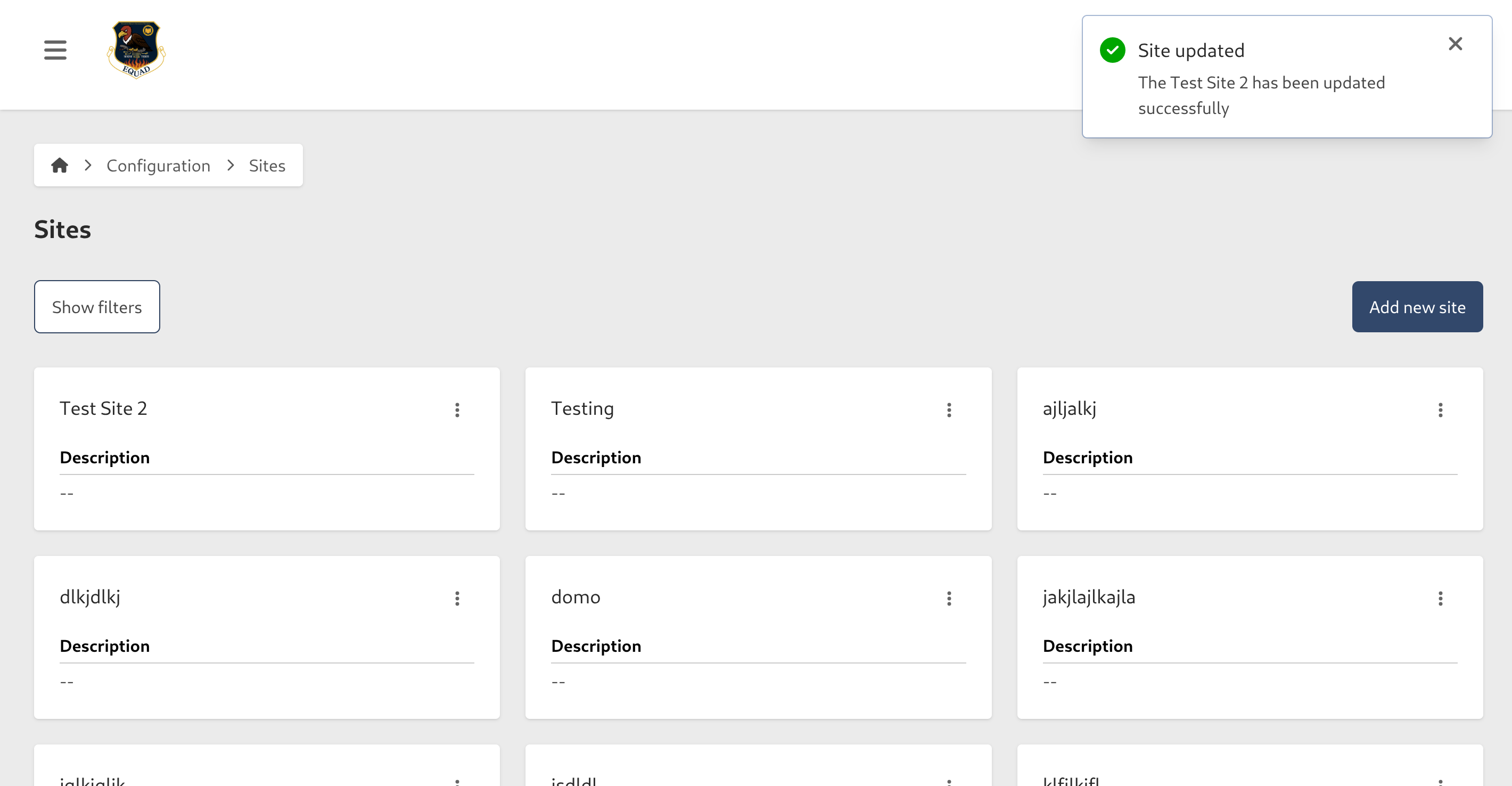
Edit a Site
- Go to Configuration > Sites
- Click the contextual menu (⋯) next to the Site and click View Site
- Click Edit
- Update the following fields as needed:
- Name (required)
- Description (optional)
- Click Save Site

Remove a Site
- Go to Configuration > Sites
- Click the contextual menu (⋯) next to the Site and click View Site
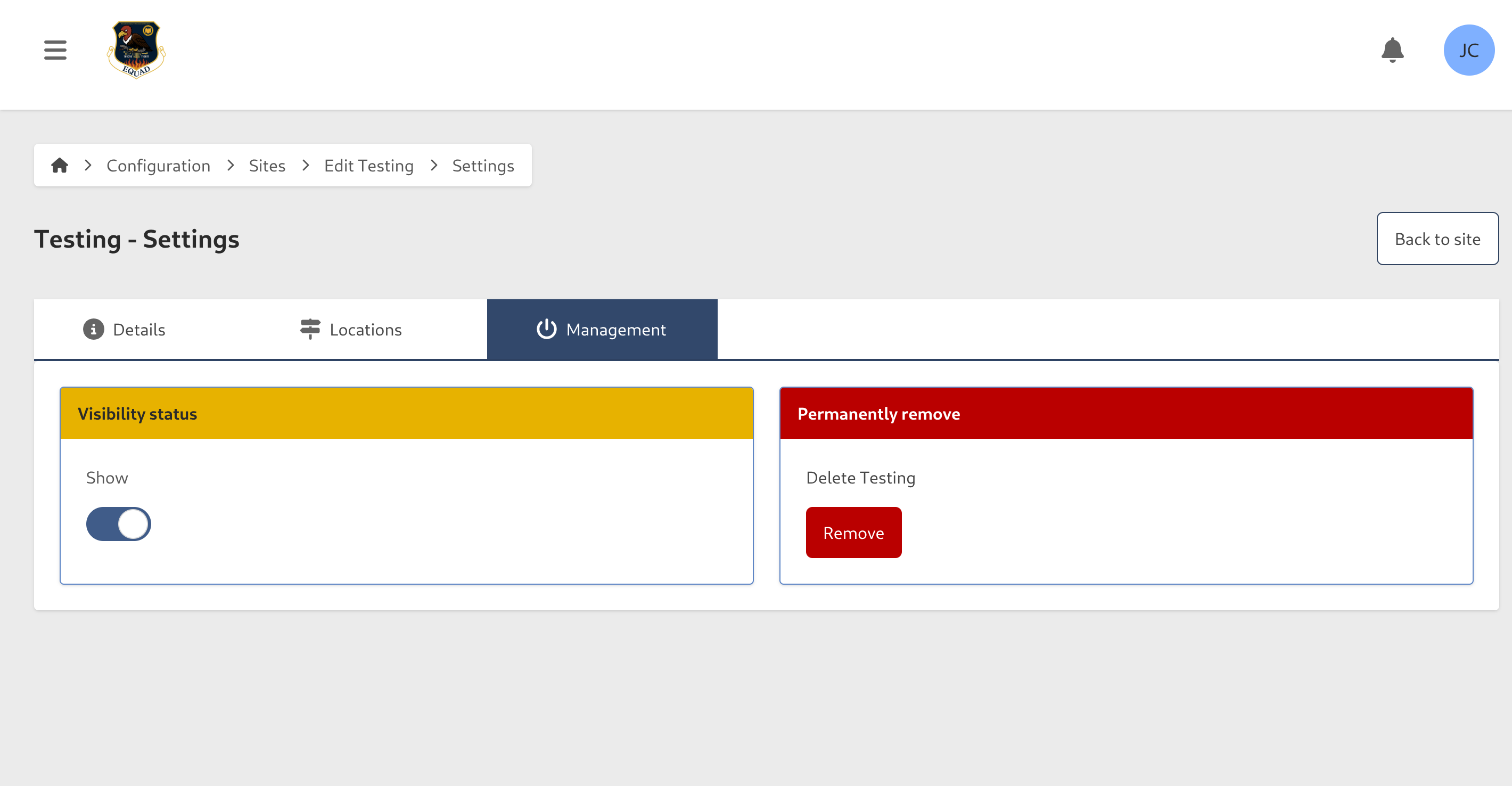
- Click Edit, then go to the Management tab
Hide a Site
To temporarily hide a Site without deleting it, toggle Show/Hide to Hide. To restore it, filter by Hidden status, open the Site, and toggle Show/Hide back to Show.
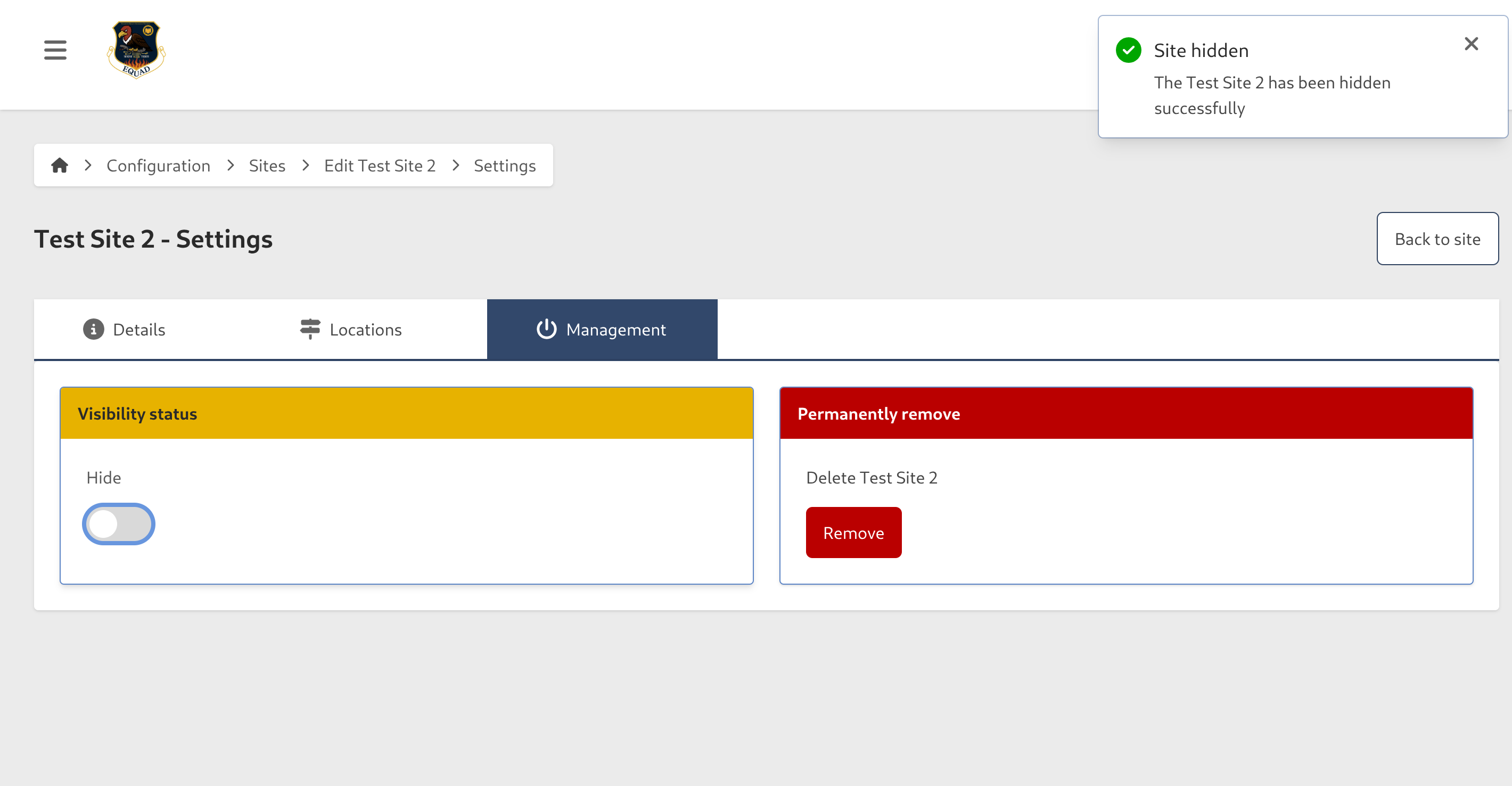
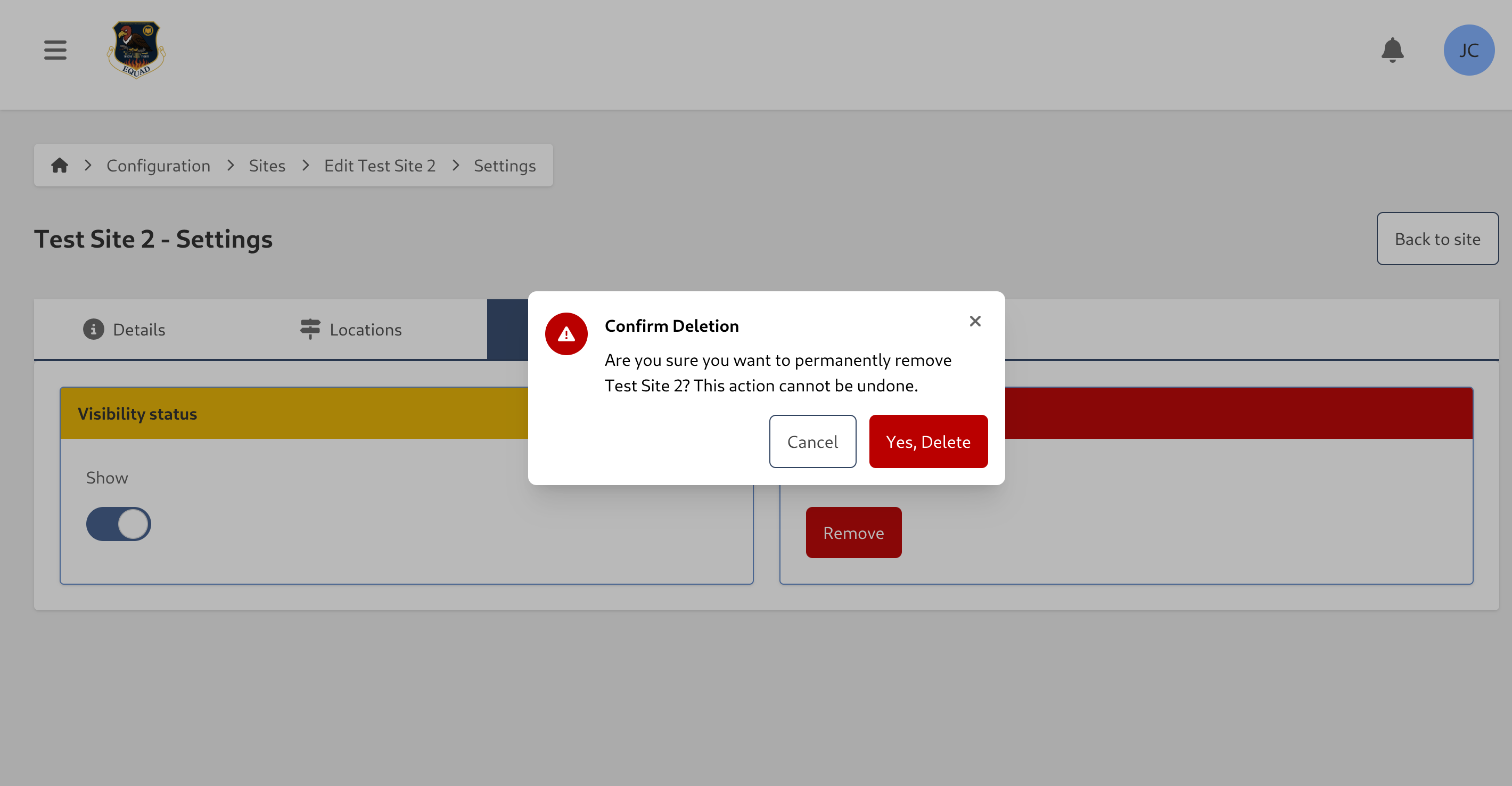
Permanently remove a Site
caution
This action cannot be undone. Consider hiding the Site instead if you may need it in the future.
- Click Remove
- Click Yes to confirm
Manage Locations
Locations describe where a Site is located. A Site can have multiple Locations.
- Go to Configuration > Sites
- Click the contextual menu (⋯) next to the Site and click View Site
- Select the Locations tab

Add a Location
- Click Add new Location
- Enter the following information:
- Active — enabled by default. Disable to hide the location without deleting it
- Name (required)
- Location (optional) — the address or description of the location
- Click the checkmark to save

Edit a Location
- Click the edit button in the actions column next to the Location you want to update
- Make your changes and click the checkmark to save

Remove a Location
caution
This action cannot be undone.
- Click the edit button in the actions column next to the Location you want to remove
- Click the red trash button and confirm
