Add a new Inspection Type
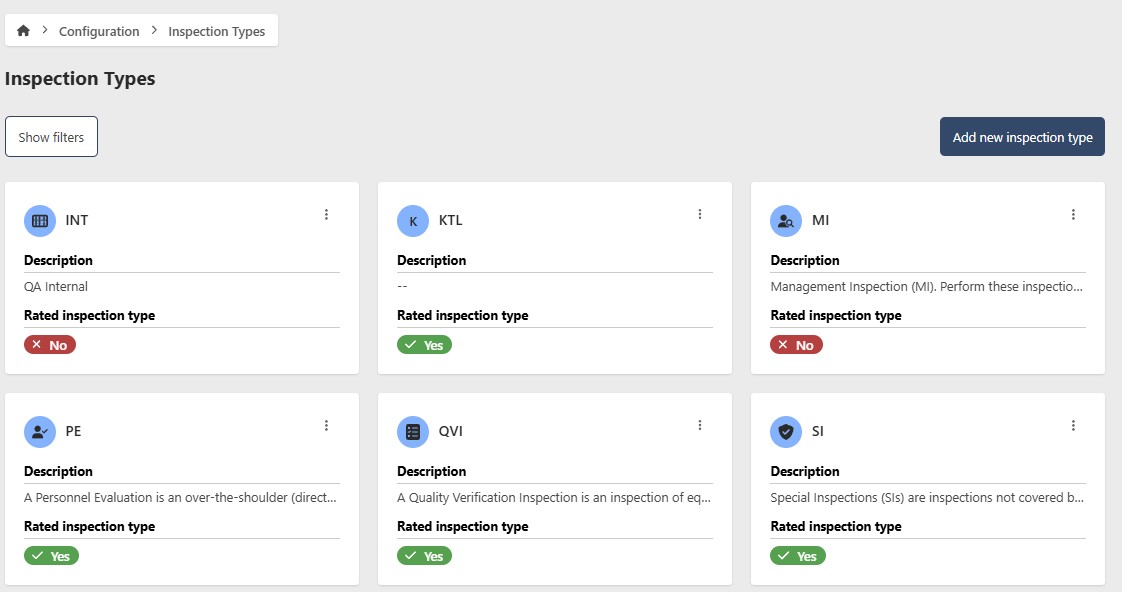
To manage EQuAD Inspection Type, go to the configuration page and click the Inspection Type button. This page allows you to add a new Inspection Type or update information for current Inspection Types. A filter button is available to help you quickly find and organize Inspection Types.
caution
The instructions below assume you have an Access Role that allows you to perform these actions. If you aren't able to follow the instructions as written, please check with your Admin to make sure you have the correct access.
Click on the Add new Inspection Type button.
- Name (required)
- Description (optional)
- Icon (optional) - Choose an icon
To save, click on the Add new Inspection Type button
