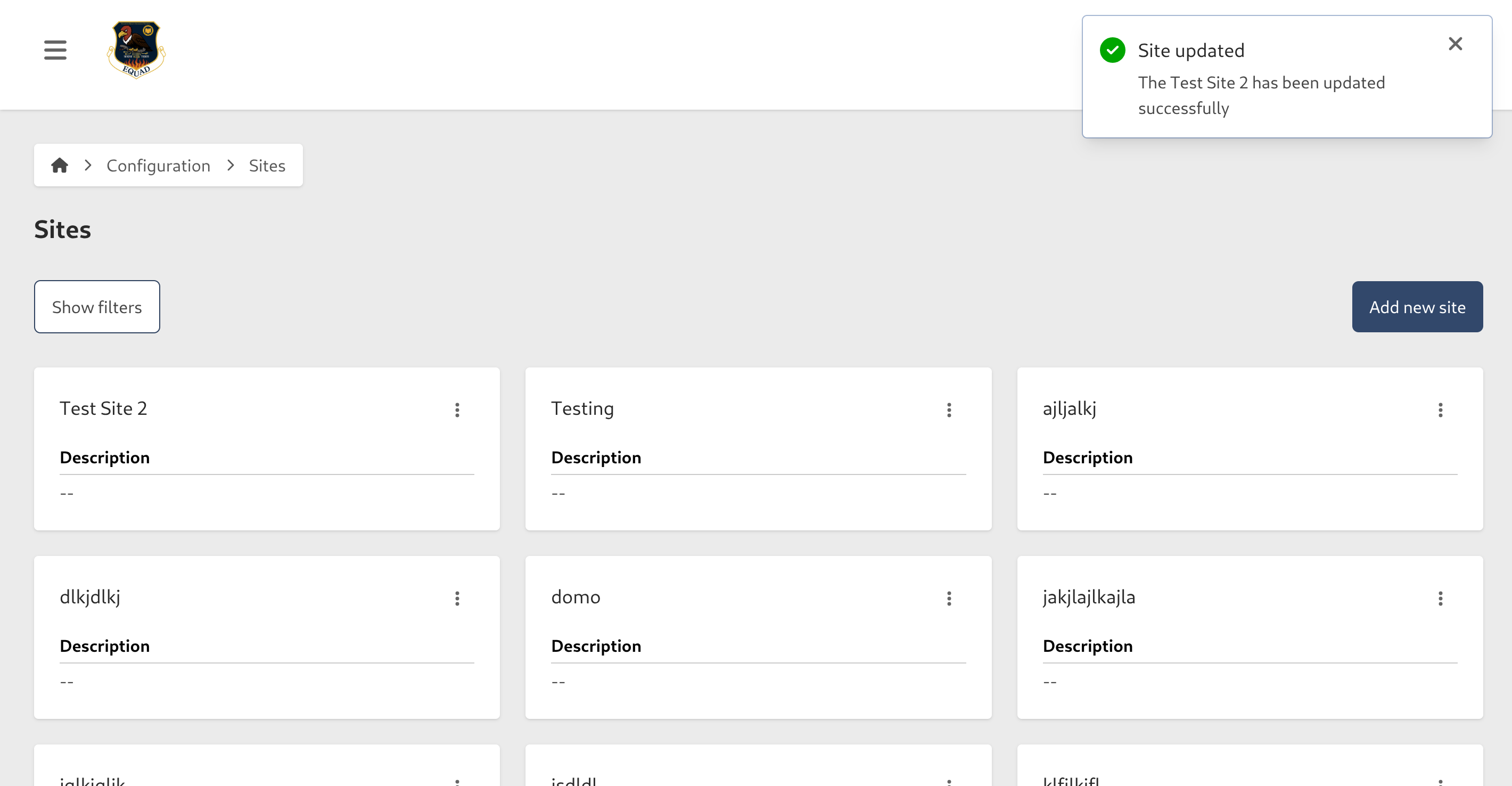
Add a new Site
Use the Site page in the Platform Configuration at Configuration > Site to configure various settings related to your SynapseMX account.
caution
The instructions below assume you have an Access Role that allows you to perform these actions. If you aren't able to follow the instructions as written, please check with your Admin to make sure you have the correct access.
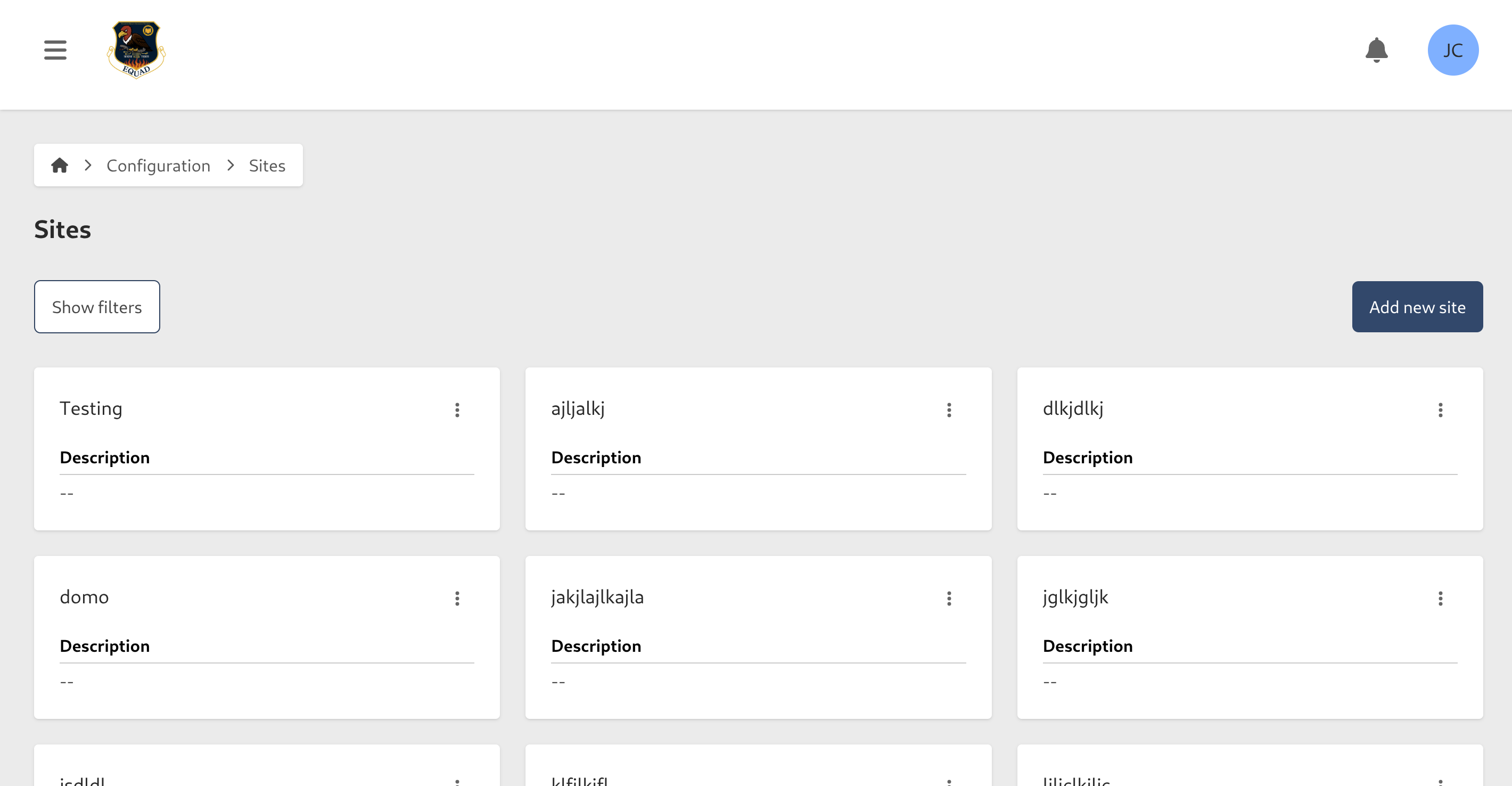
Click on the Add new Site button.
Enter the following information:
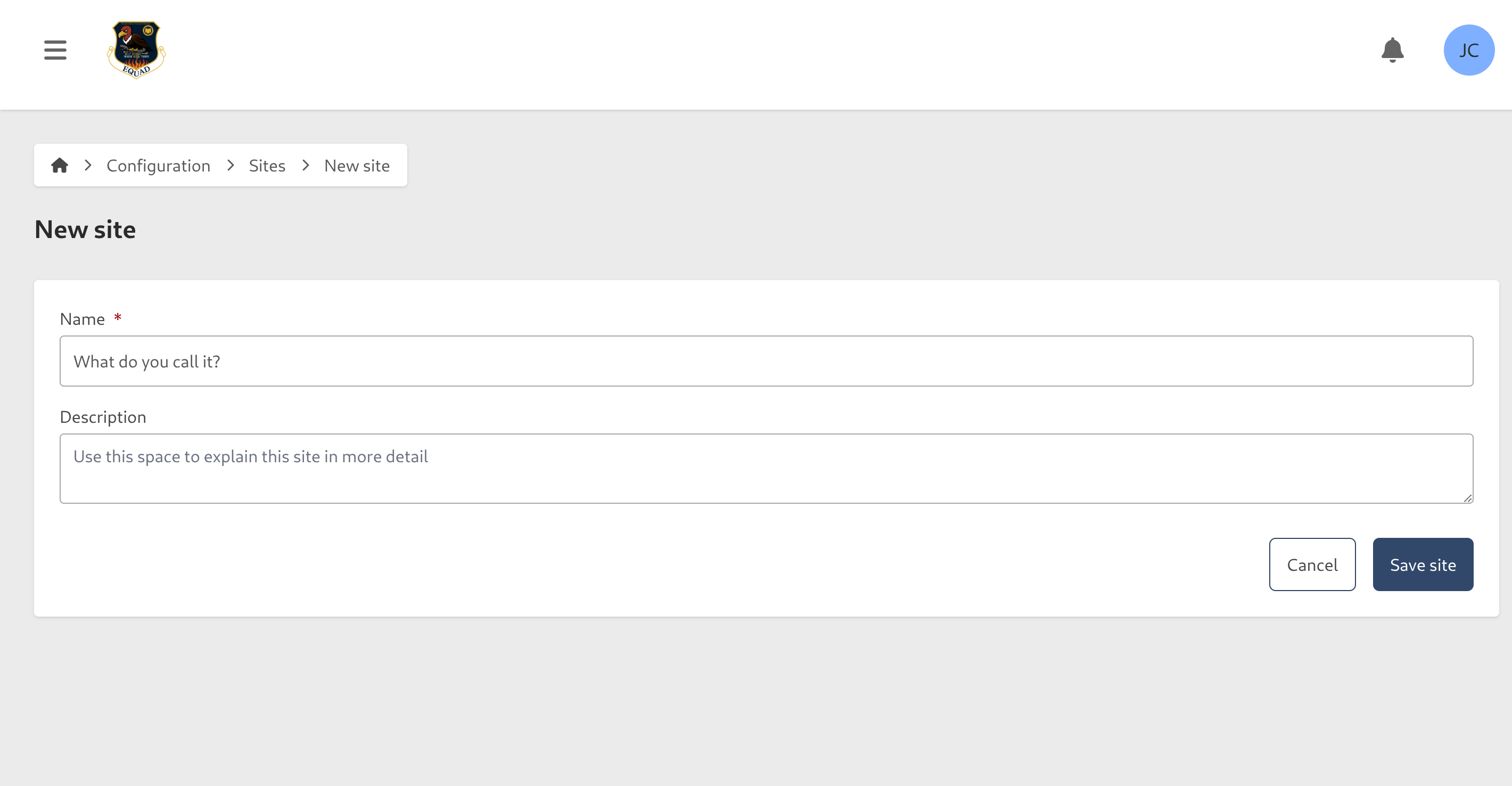
- Name: This will be the name of the Site
- Description: Use this space to explain this Site in more detail
To save, click on the Add new Site button
You will be returned to the Site listing, where your new Site will be ready for use.