Inspection Types
Inspection Types are the different kinds of inspections that can be performed and recorded in HG EQuAD. You'll select an Inspection Type when entering inspection results.
Go to Configuration > Inspection Types to manage your Inspection Types. You'll need the appropriate access role to add, edit, or remove an Inspection Type.
Add an Inspection Type
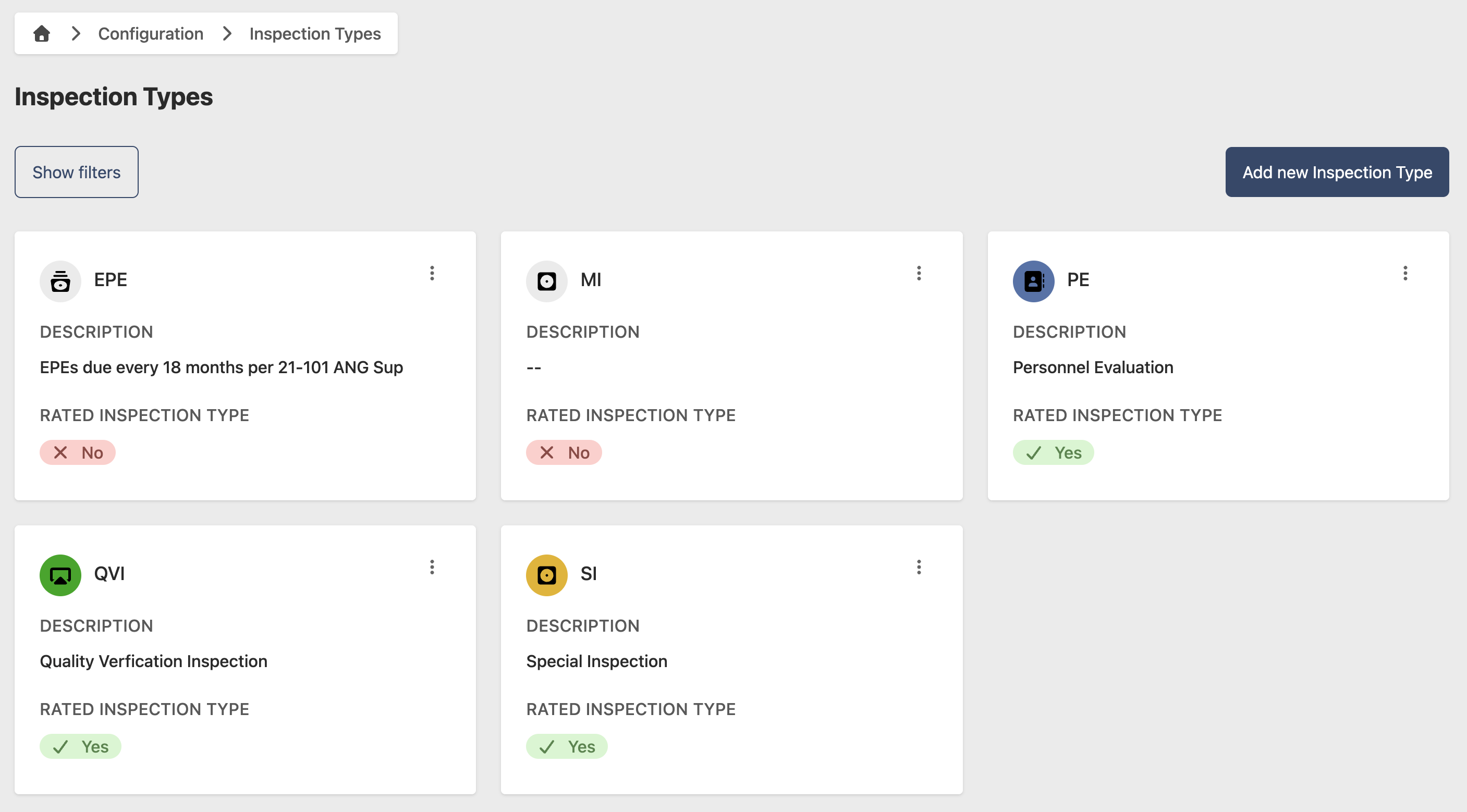
- Go to Configuration > Inspection Types
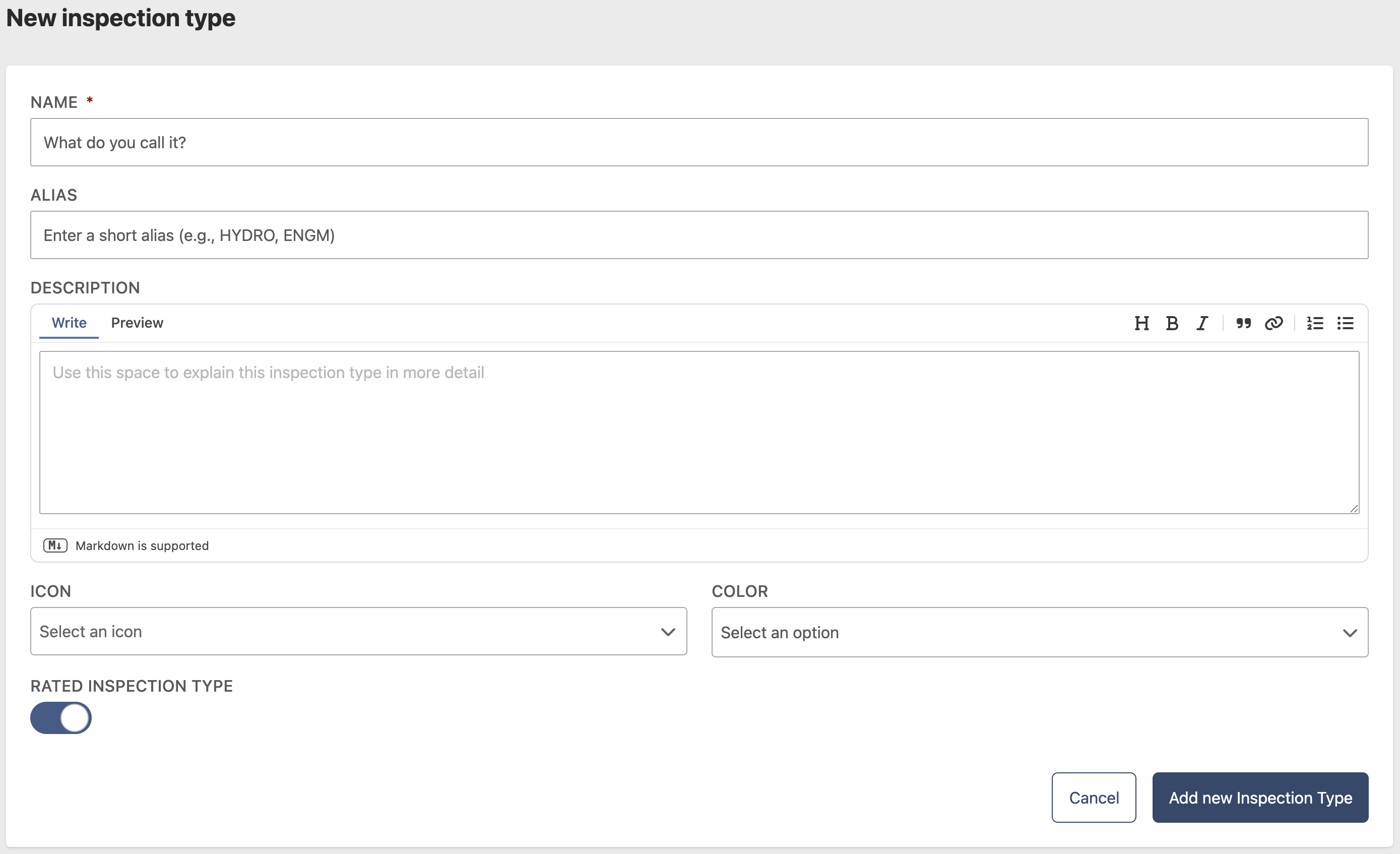
- Click Add new Inspection Type
- Enter the following information:
- Name (required)
- Description (optional)
- Icon (optional)
- Click Add new Inspection Type
Edit an Inspection Type
- Go to Configuration > Inspection Types
- Click the contextual menu (⋯) next to the Inspection Type and click View Inspection Type
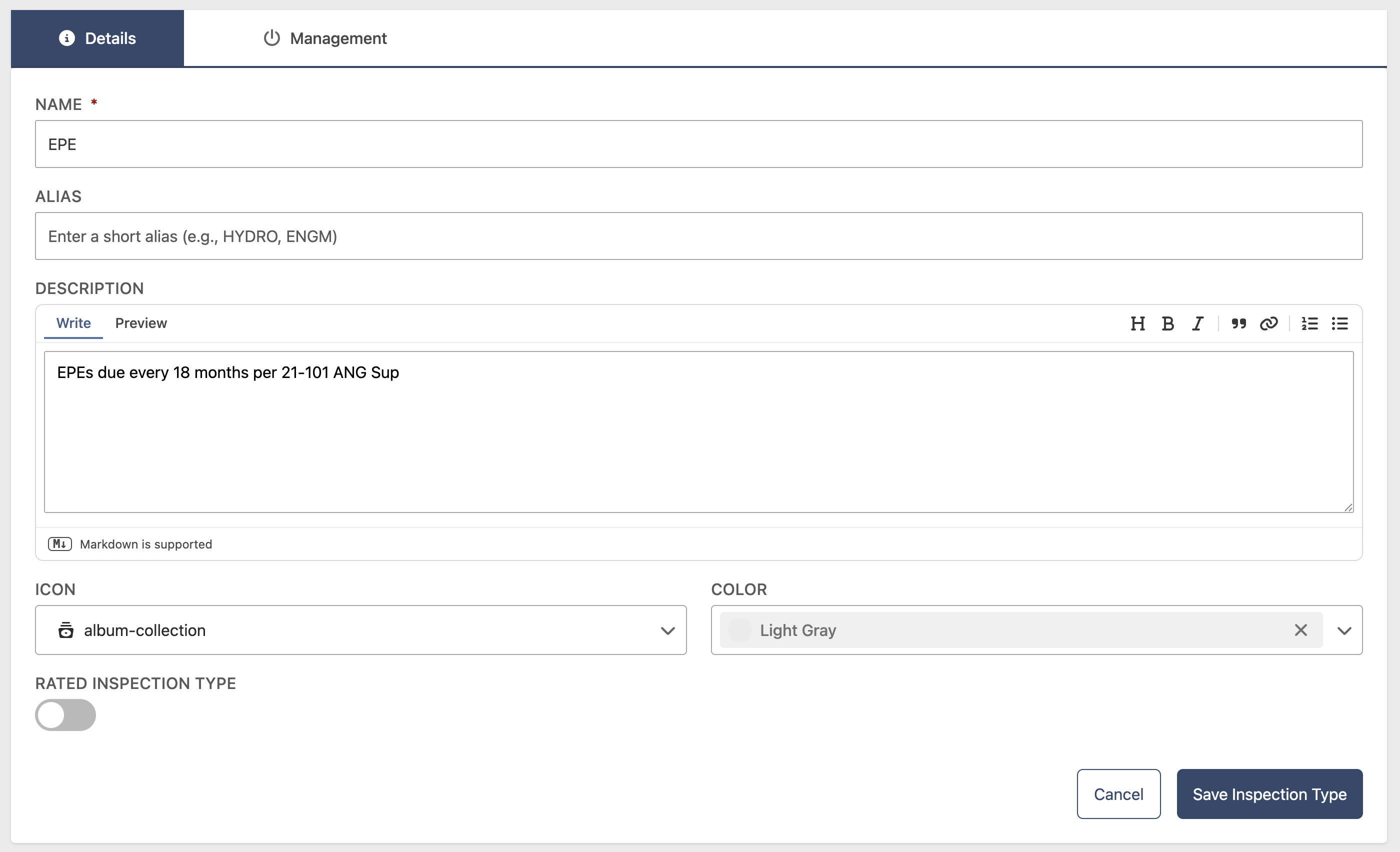
- Click Edit
- Update the following fields as needed:
- Name (required)
- Description (optional)
- Icon (optional)
- Click Save Inspection Type
Remove an Inspection Type
- Go to Configuration > Inspection Types
- Click the contextual menu (⋯) next to the Inspection Type and click View Inspection Type
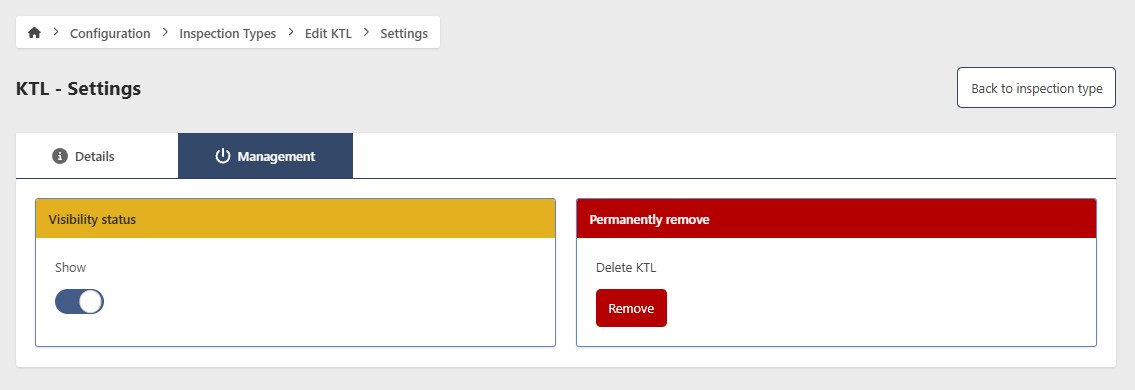
- Click Edit, then go to the Management tab
Hide an Inspection Type
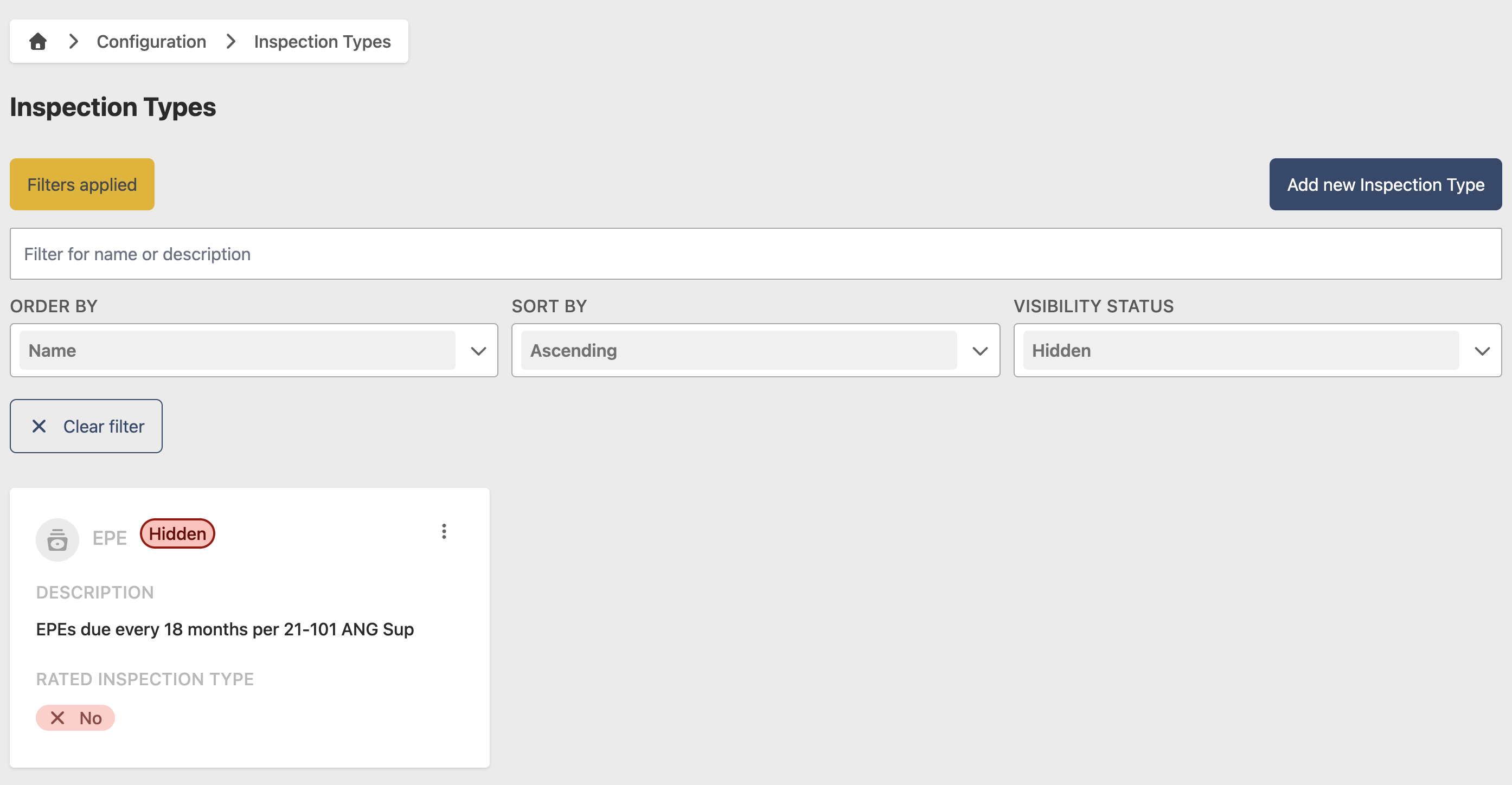
To temporarily hide an Inspection Type without deleting it, toggle Show/Hide to Hide. To restore it, filter by Hidden status, open the Inspection Type, and toggle Show/Hide back to Show.
Permanently remove an Inspection Type
caution
This action cannot be undone. Consider hiding the Inspection Type instead if you may need it in the future.
- Click Remove
- Click Yes to confirm