Roles
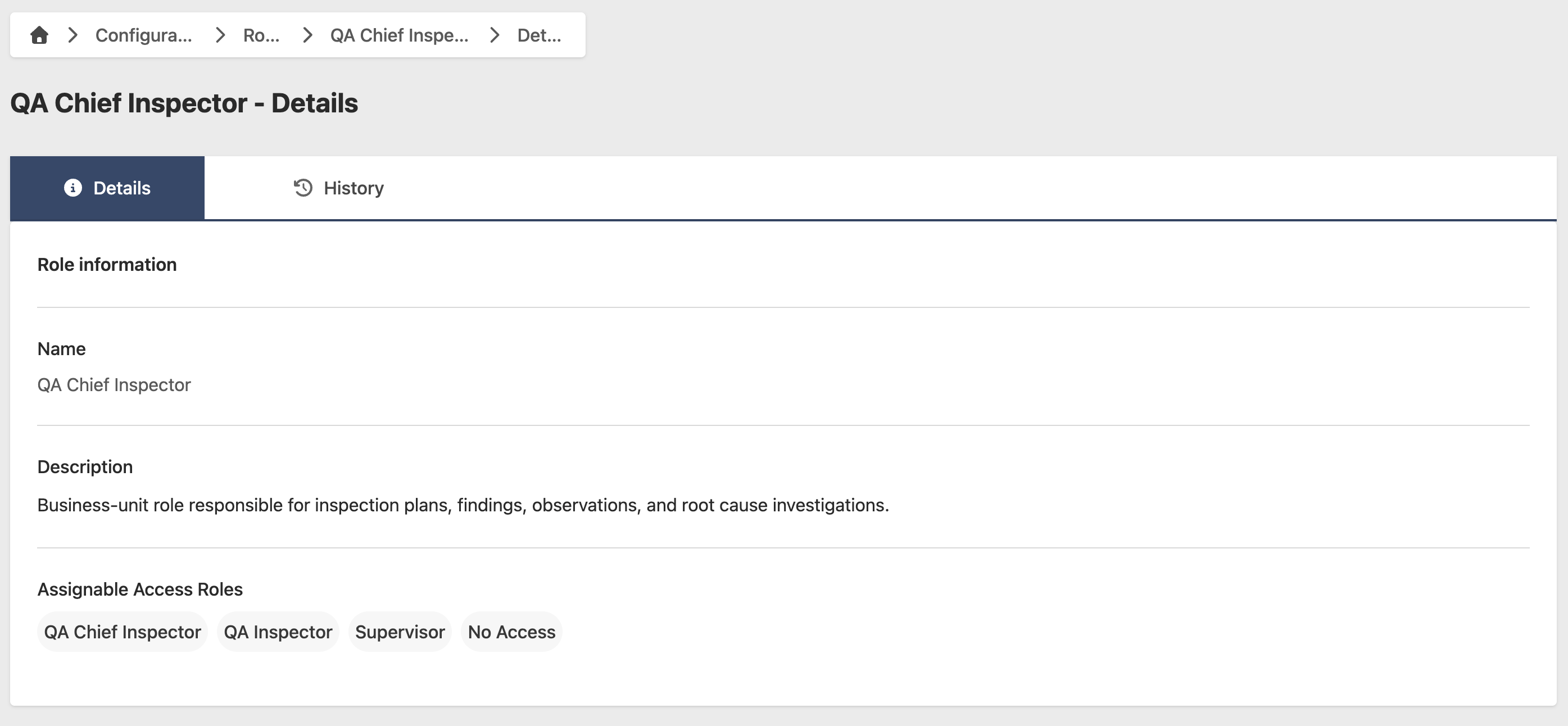
Roles control what People can see and do in HG EQuAD. Each Role has its own set of permissions, which determine access to specific screens and features.
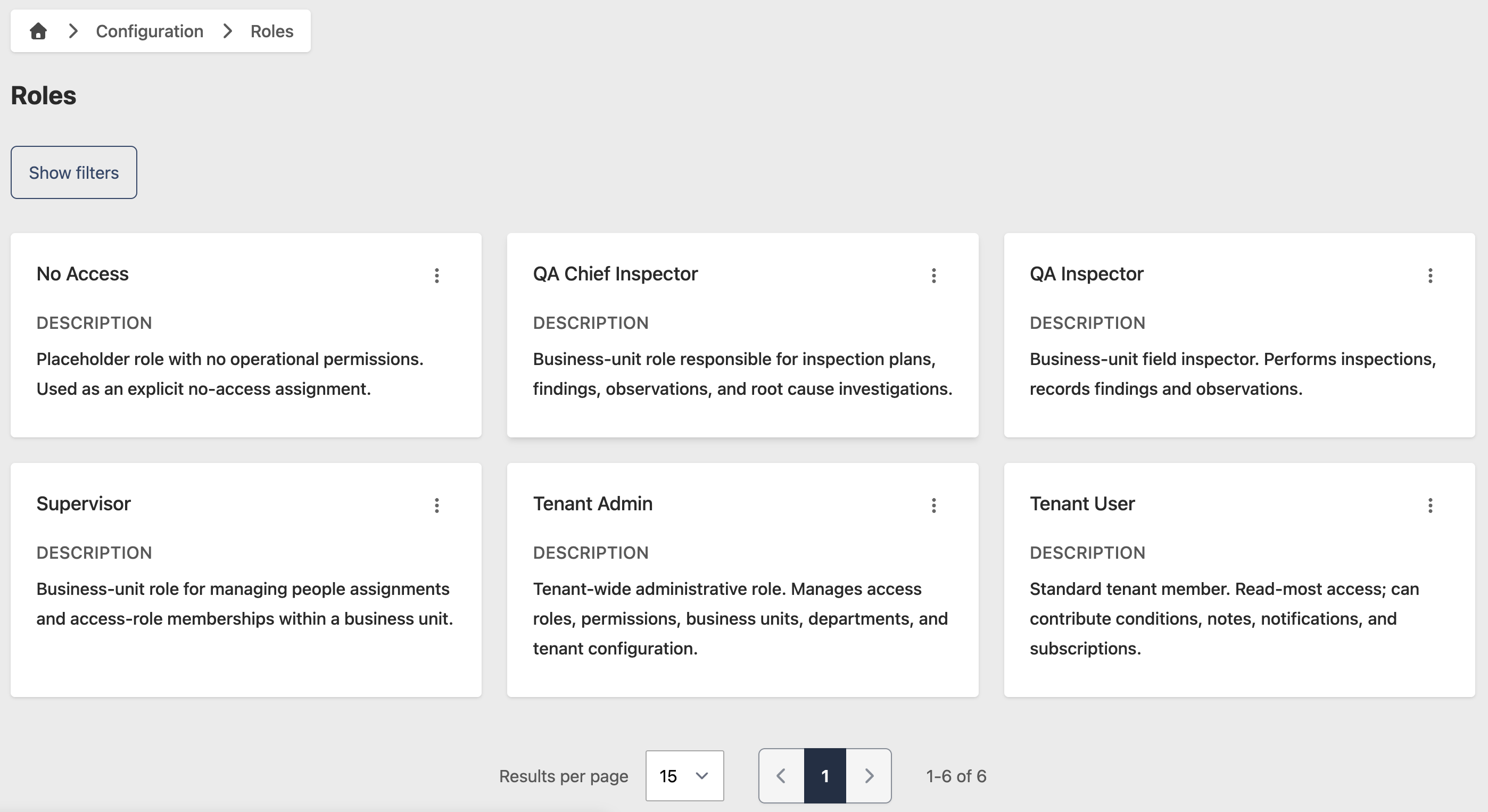
Roles in HG EQuAD are predefined and cannot be added, edited, or removed. Go to Configuration > Roles to view your Roles and their permissions.
Permissions
Each Role has a set of permissions that determine what actions People assigned to that Role can perform. To view the permissions for a Role:
- Go to Configuration > Roles
- Click the contextual menu (⋯) next to the Role and click View Role
- Select the Permissions tab to see the full list of permissions assigned to this Role