Login and Account Access
Logging in
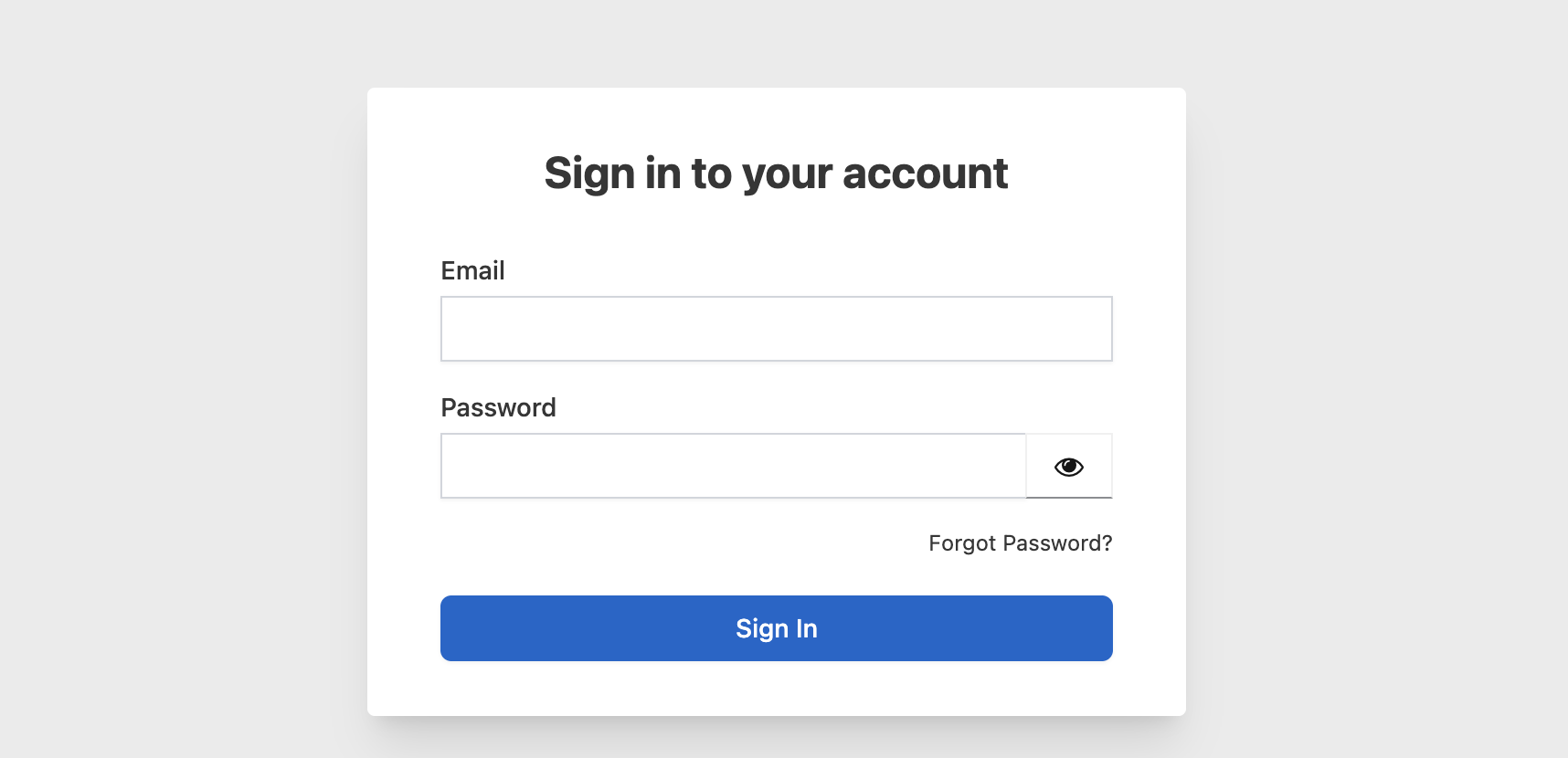
Go to the HG EQuAD login page and enter your email address and password.
Your credentials are created by your Tenant Admin when your account is set up. New users receive an automated email with a link to set their password before their first login.
Forgot your password?
If you need a new password, click Forgot Password below the login form. Enter your account email address and click Submit.
You'll receive an email with a password reset link. Click the link in the email to open the reset form. Enter your new password in both fields and click Update my password and sign in with your new credentials.
Finding documentation
Once logged in, you can return to these docs anytime by going to your profile menu in the top right and clicking Documentation.